When it comes to security DVR systems, having a reliable hard drive is just as important as the cameras themselves.
A quality hard drive ensures continuous, high-capacity video recording, long-term data storage, and dependable playback, all essential for surveillance operations.
In this guide, we’ll explore the top-rated hard drives designed specifically for DVR security systems, along with what features to look for before buying.
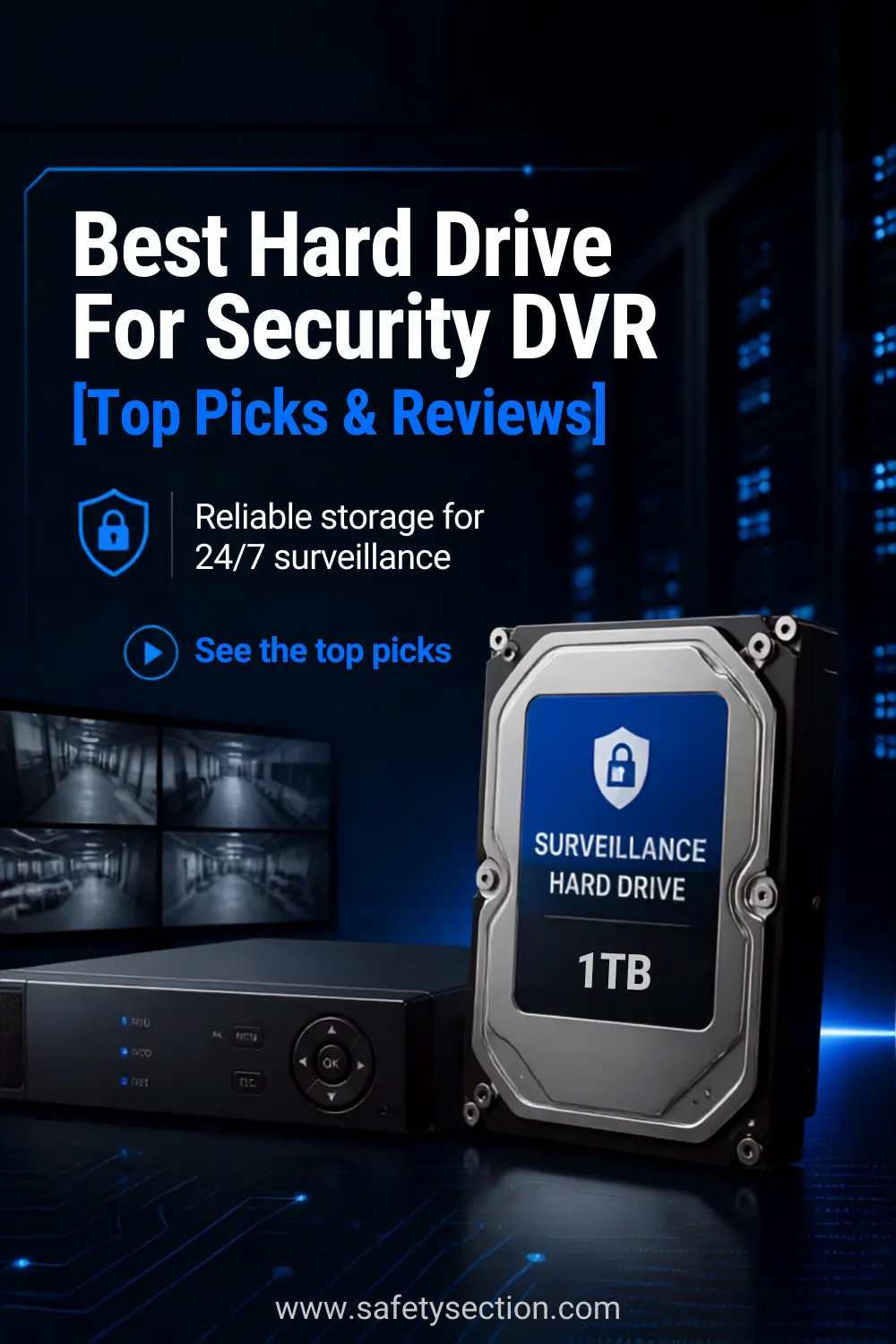
What Is a Hard Drive For Security DVR?
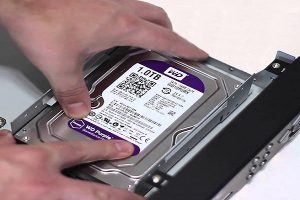
A security DVR hard drive is a storage device designed specifically for digital video recorders (DVRs) used in surveillance systems.
Unlike regular desktop hard drives, these are built for continuous 24/7 operation, handling constant read/write workloads from multiple video feeds.
Why You Need a Specialized Hard Drive
Constant Operation
Surveillance systems run non-stop. Standard desktop drives aren’t built to handle continuous writing, which can lead to overheating and premature failure.
Higher Workload Rating
Security drives can handle a higher volume of data, often rated for 180TB/year or more, compared to 55TB/year on desktop drives.
Video-Optimized Performance
These drives feature technologies like AllFrame (WD) or ImagePerfect (Seagate), which reduce frame loss and improve playback quality.
Comparison Table: Top 3 Best Hard Drive For Security DVR

Feature |
Western Digital WD Purple 6TB |
Seagate SkyHawk 6TB |
Toshiba S300 |
|---|---|---|---|
Best For |
Overall security DVR/NVR use |
24/7 multi-camera surveillance |
Flexible storage options |
Capacity Options |
6TB |
6TB |
2TB, 4TB, 6TB |
Form Factor |
3.5-inch |
3.5-inch |
3.5-inch |
Interface |
SATA 6 Gb/s |
SATA 6 Gb/s |
SATA III |
Cache |
64MB |
256MB |
Varies by capacity |
Surveillance Design |
Yes |
Yes |
Yes |
24/7 Operation |
Yes |
Yes |
Yes |
Key Technology |
AllFrame |
ImagePerfect, RV sensors |
RV sensor technology |
Camera Support |
Up to 64 HD cameras |
Designed for surveillance workloads |
Designed for multi-camera systems |
Warranty |
3-year limited warranty |
3-year limited warranty |
3-year limited warranty |
Best Advantage |
Proven surveillance-focused design |
High workload rating and large cache |
Multiple capacity choices |
Potential Drawback |
Higher cost than standard HDDs |
Premium price |
Smaller 2TB option may fill quickly |
Best Overall |
Yes |
Best for heavy workloads |
Best capacity flexibility |
Quick Take
Choose WD Purple if you want a dependable all-around surveillance drive for a home or business DVR/NVR. Its 24/7 design and support for up to 64 HD cameras make it a strong choice for larger camera systems.
Choose Seagate SkyHawk if your security system records heavily around the clock. Its high workload rating and surveillance-specific firmware make it particularly well suited to write-intensive DVR and NVR environments.
Choose Toshiba S300 if you want more flexibility when choosing storage capacity. It’s available in 2TB, 4TB, and 6TB options, making it easier to match storage to your camera count and desired recording time. Its 24/7 operation and RV sensor technology also make it a solid choice for continuous surveillance.
Best Hard Drive For Security DVR
1. Western Digital Purple Surveillance Hard Drive

- Built for 24/7 surveillance
The Western Digital WD Purple 6TB (WD60PURZ) is a strong choice for security DVR and NVR systems that need reliable 24/7 recording.
Built specifically for surveillance workloads, it offers 6TB of storage and is designed to handle continuous video recording from multiple cameras.
One of its biggest advantages is its surveillance-focused design. The drive supports systems with up to 64 HD cameras, while AllFrame technology is designed to help improve recording performance and reduce interruptions.
Its 3.5-inch SATA interface also makes it suitable for compatible DVR and NVR systems.
The 6TB capacity provides plenty of space for storing security footage, although the actual recording time will depend on camera resolution, frame rate, compression, and the number of cameras connected.
The included 3-year limited warranty is another useful benefit for buyers looking for long-term storage reliability.
Pros:
- 6TB capacity provides substantial video storage
- Designed specifically for 24/7 surveillance workloads
- Supports up to 64 HD cameras
- AllFrame technology helps optimize surveillance recording
- Compatible with many DVR and NVR systems
- 3-year manufacturer’s limited warranty
Cons:
- More expensive than standard desktop hard drives
- Mechanical HDD technology is slower than an SSD
- Compatibility should be checked with your specific DVR or NVR before purchasing
Bottom line: The WD Purple 6TB is a dependable surveillance HDD for users who prioritize continuous recording, generous storage capacity, and compatibility with multi-camera security systems.
Its higher price makes the most sense for dedicated security applications where reliability and 24/7 operation matter.
2. Seagate SkyHawk Surveillance Internal HDD

- Custom-built for surveillance applications with Image Perfect firmware for crisp, clear, 24×7 video workloads
 Frequently Asked Questions
1. Can I use a regular desktop hard drive in my security DVR?
Answer: Technically, yes—but it’s not recommended. Desktop hard drives are not designed for the constant 24/7 writing workload of a DVR. Using one can lead to overheating, failure, or dropped frames in your recordings. Always use a surveillance-grade hard drive designed for continuous video recording.
2. How much storage do I need for my DVR system?
Answer: This depends on the number of cameras, video resolution, and how long you want to store footage. Here’s a rough guide:
-
1TB: ~7–10 days for 4 cameras at 1080p
-
2TB–4TB: ~2–4 weeks for 4–8 cameras
-
6TB+: Over a month for large systems with 8–16+ cameras
Compression settings (H.264/H.265) and motion detection can greatly extend storage time.
3. What is the difference between NVR and DVR hard drives?
Answer: Functionally, the hard drives used in DVRs (Digital Video Recorders) and NVRs (Network Video Recorders) are the same—both are typically 3.5″ SATA surveillance hard drives. The main difference is the system they’re used in: DVRs use analog or coaxial connections, while NVRs handle IP cameras via a network. Either way, choose a drive labeled for surveillance use.
4. Do I need to format a new hard drive before installing it in my DVR?
Answer: In most cases, no. Modern DVRs automatically detect and format the new hard drive once installed. However, it’s important to check your DVR manual—some models may require you to format the drive manually from within the DVR’s settings menu.
5. What are RV sensors, and do I need them?
Answer: RV (Rotational Vibration) sensors help maintain performance in environments with multiple hard drives or heavy vibration. If your DVR system uses more than one drive, RV sensors are highly recommended to prevent performance issues and data loss. Drives like the Seagate SkyHawk and Toshiba S300 often include RV sensors in 4TB+ models.
Related Resources:
- Best Solar Powered Security Camera Reviews
- Light Bulb Security Camera Reviews and Buying Guide
- How to install security cameras in your home
- Which type of camera is best for home security
- How Much Data Do Security Cameras Use Monthly?
- Can I Install Security Cameras Myself?